
Personal CRM for job searchers
A Personal CRM for Job Searchers Who Want Better Follow-Through
Keep career conversations, introductions, and promised next steps from disappearing while your applications stay in a separate tracker.
Updated

The useful job of a personal CRM during a search is continuity. It should help you remember what you learned, what you promised, and who deserves a thoughtful follow-up. It should not turn people into application stages.
A personal CRM for job searchers is a record of people, advice, introductions, promises, and considerate next steps around a search. Application stages, deadlines, and documents belong in a separate tracker.
Applications and relationships are two different systems. LinkedIn’s current job-search guidance explicitly suggests keeping applications in a spreadsheet with dates and notes. Keep doing that. Put role, status, deadline, resume version, and interview stage there.
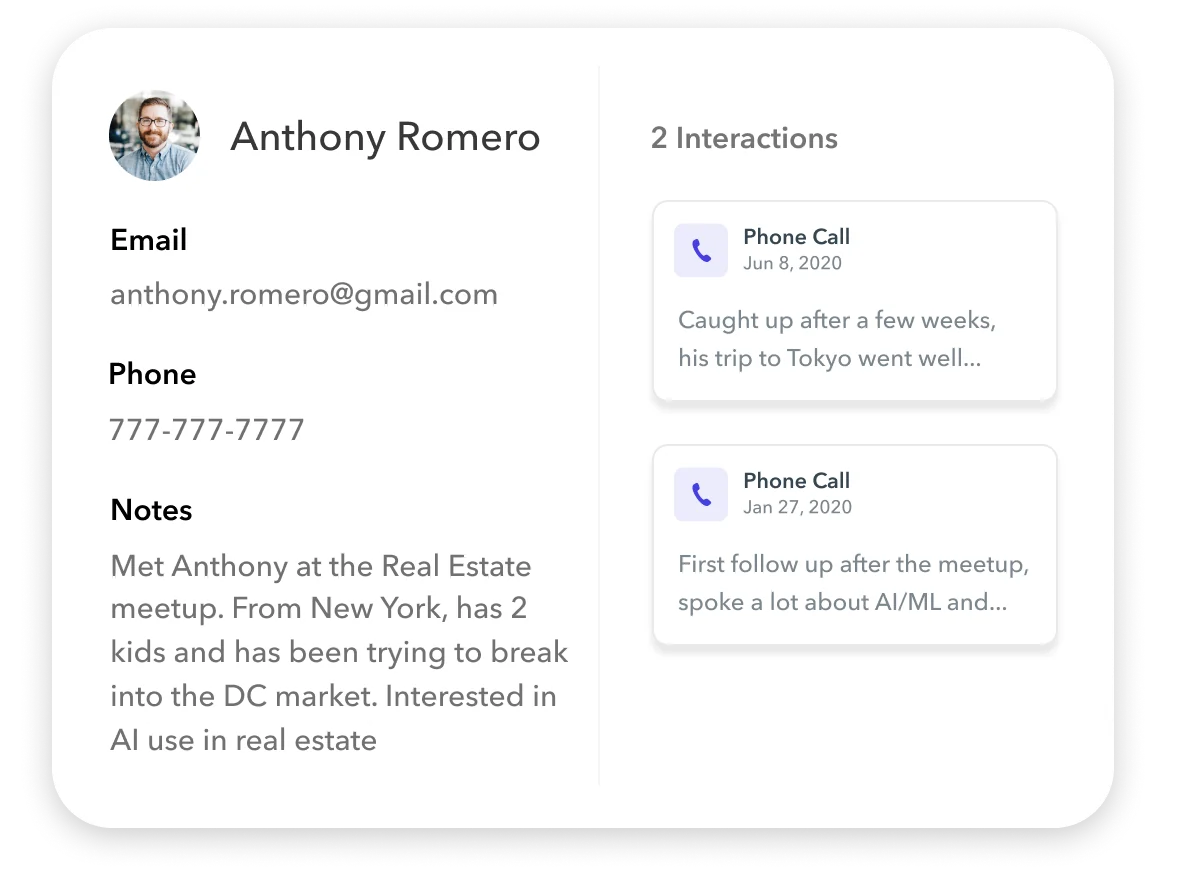
Use a personal CRM for the human thread around the search: the former coworker who explained a team, the alumnus who challenged your assumptions, the recruiter who clarified timing, and the person you promised to update after rewriting your portfolio.
If the distinction between a contacts app and a relationship system is still fuzzy, start with what a personal CRM is.
Start with a job-to-be-done, not an address book
The U.S. Department of Labor recommends employer research, networking contacts, and informational interviews as separate parts of a job search. Your relationship system should connect those activities without pretending every conversation is a referral request.
A useful goal is specific:
“When I speak with someone about a role, company, or career path, help me carry their advice into my next action and close the loop later.”
That goal produces a smaller, kinder database. Start with 15 to 25 people connected to a focused search—not everyone you have ever met.
The relationship workflow
1. Define the search in one sentence
Write the roles, problems, or environments you are exploring. “Anything in tech” cannot guide useful research. “Customer education roles at developer-tool companies” can.
The sentence is not a pitch to repeat at people. It is a filter for deciding which conversations would teach you something.
2. Map four kinds of relationships
Use groups that describe context, not human value:
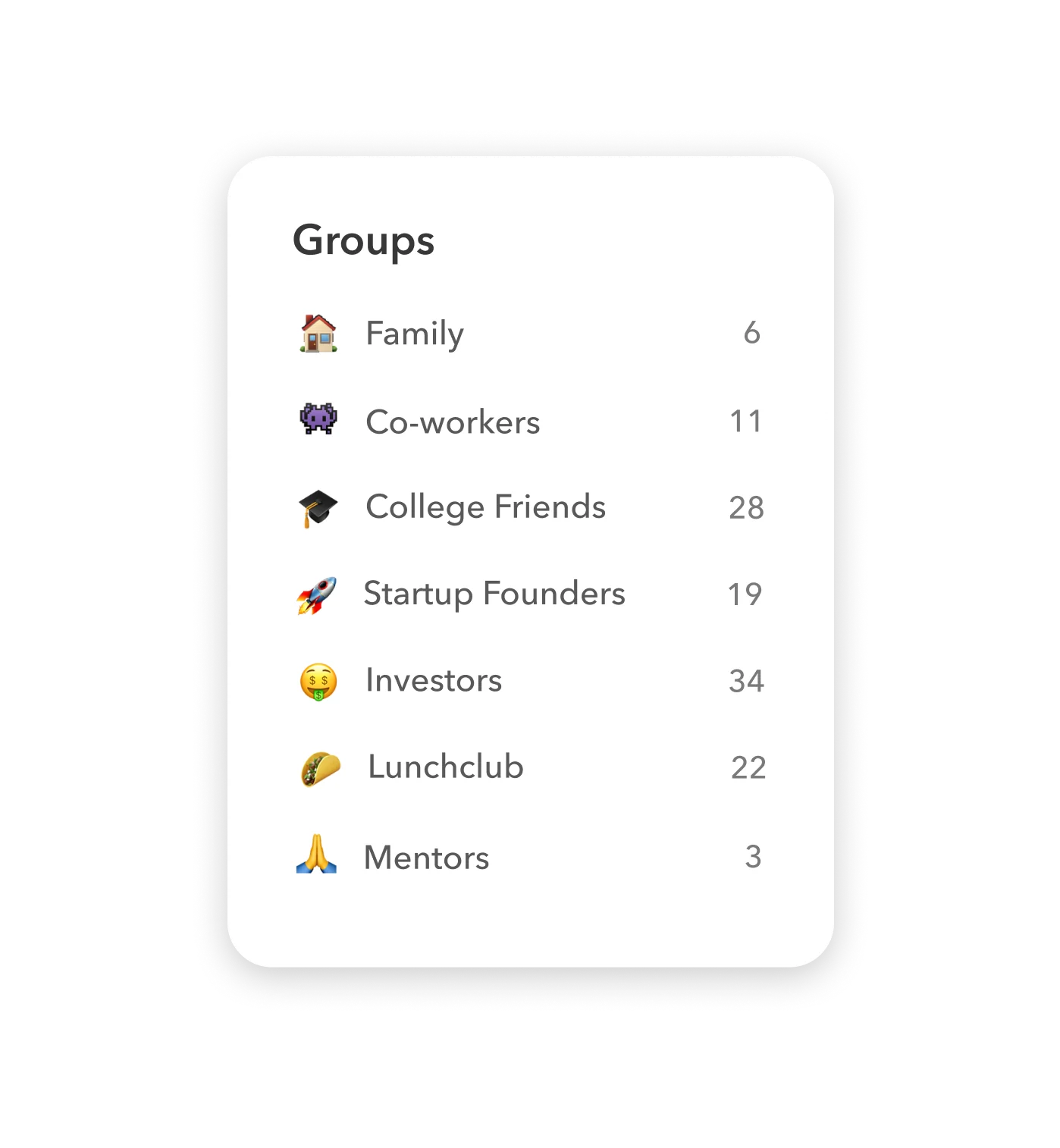
- People I already know: former teammates, classmates, managers, clients, and friends who understand your work.
- Learning conversations: people doing the job or working near it.
- Target-company context: contacts who can explain a particular organization or team.
- References and introducers: only people who have actually offered, or are well positioned, to vouch for your work.
CareerOneStop usefully distinguishes information sources, recommenders, decision-makers, and people who can link you to others. You do not need to label someone a “decision-maker” in your CRM. The lesson is that different relationships can help in different ways; do not ask each one for the same thing.
3. Keep only fields that change the next conversation
Suggested fields:
| Field | What belongs there |
|---|---|
| Context | How you know each other or why the conversation began |
| Current role and company | Enough to avoid an outdated or generic message |
| What I learned | Two or three sentences in your own words |
| Advice to act on | The experiment, resource, or person they suggested |
| My promise | Resume, link, introduction, update, or thank-you you owe |
| Next step | One concrete action and date |
| Preferred channel | Email, phone, LinkedIn, or another channel they actually use |
Do not copy private messages, speculate about a person’s influence, or store protected and sensitive details that do not belong in a career conversation.
4. Follow up according to the promise
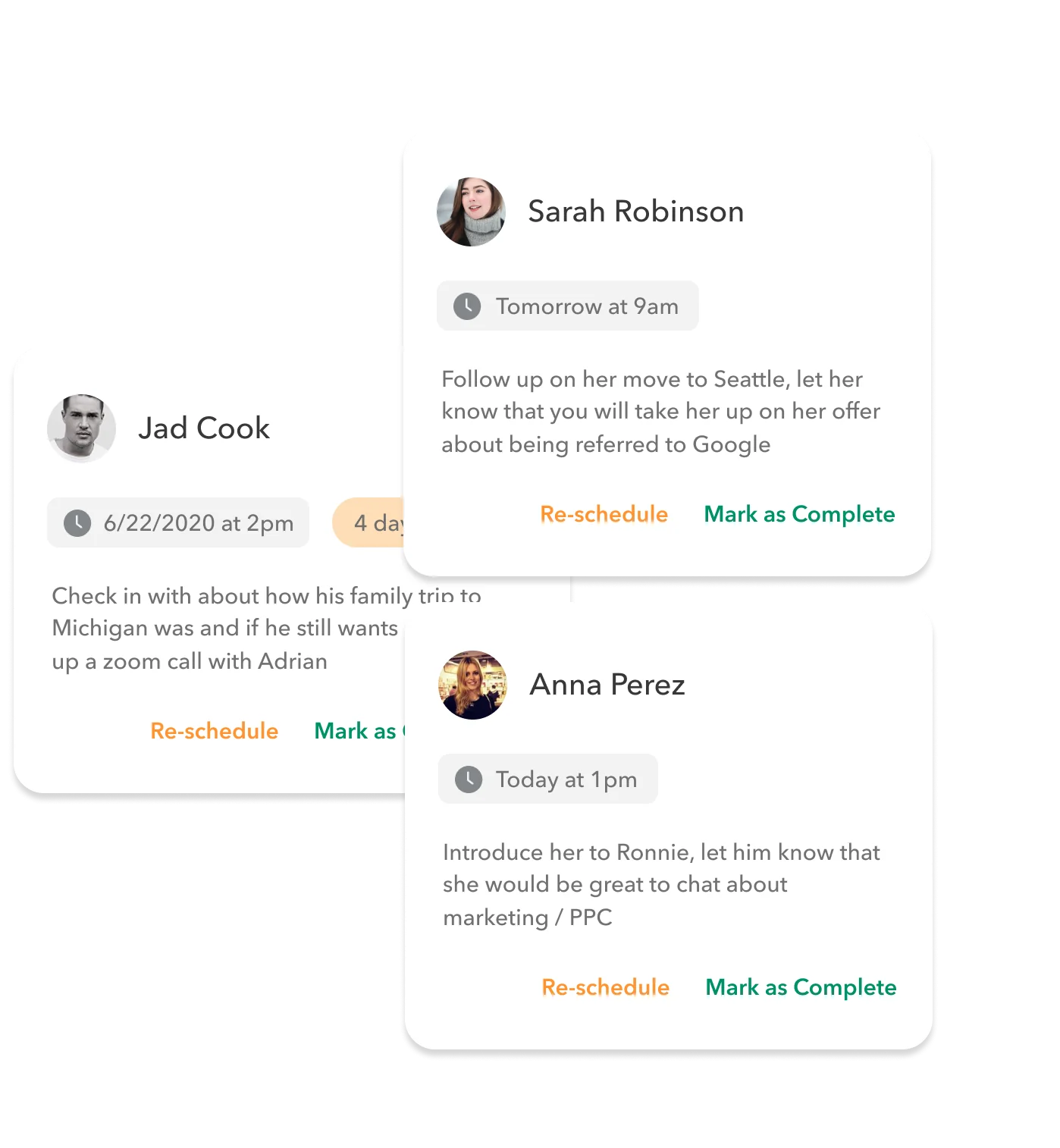
Use event-based reminders before recurring ones:
- Within one or two days: send a specific thank-you after a conversation. UC Berkeley recommends this window for referral conversations.
- On the date you promised: send the portfolio, make the introduction, or share the update.
- After a real milestone: tell someone how their advice changed the result.
- Every 30 days during an active search: review important open loops; do not automatically message everyone.
- Every 90 days at most: revisit longer-term relationships only when you have a useful reason to reconnect.
A reminder is permission to reconsider, not an instruction to manufacture a message.
5. Run a 20-minute weekly review
Once a week, answer four questions:
- Who am I waiting on, and should I wait longer?
- What did I promise that is still open?
- Which conversation changed my search direction?
- Who deserves an update even if I need nothing from them?
Archive dead ends without resentment. A quiet inbox is not a verdict on your worth or on the other person’s generosity.
A realistic example
Nina is moving from customer support into customer education. She keeps applications in a spreadsheet. Her personal CRM contains 18 people.
After a 20-minute conversation, she records that Mateo’s team values writing samples showing technical judgment—not just polished prose. He suggested rewriting one tutorial around a difficult support case. Nina adds one promise: send the revised piece next Thursday.
She sends a thank-you the next morning, finishes the piece, and closes the loop on Thursday. Mateo says the revision is clearer and offers to introduce her to a learning-design lead. Nina did not ask a stranger to “refer me.” She listened, acted, and made it easy for someone to decide whether they were comfortable helping.
That is what the system should preserve: context becoming action, then action becoming trust.
Referral requests without extraction
Berkeley’s career guidance frames a referral as asking for directions, not demanding a ride. Research the role and company first. Explain the relevant evidence in your background. Then ask whether the person would feel comfortable reviewing your resume and considering a referral if the fit looks real.
“No,” silence, or a softer offer of advice is a complete answer. Record the guidance, not your disappointment. Never send repeated reminders to pressure someone into putting their reputation behind you.
Mistakes that make the system worse
- Mixing contacts and applications: one relationship can span several roles; one role can involve several people.
- Importing thousands of names: a large empty database disguises the next useful action.
- Writing transactional notes: “might be useful” gives you no respectful reason to reconnect.
- Following up because a timer fired: have a promise, question, relevant update, or genuine congratulations.
- Treating an informational interview as a hidden job interview: CareerOneStop says its purpose is information, not a job offer.
- Skipping verification: LinkedIn recommends checking recruiter work history, company connections, verification signals, and the employer’s official careers page. Never share bank, card, or government-ID information before a legitimate offer.
When not to use a personal CRM
Do not add another tool if five active conversations fit comfortably in your calendar and notes. Do not use one as a mass-outreach engine. And if you need to manage application stages, documents, deadlines, and interviews, use a dedicated job tracker first.
The personal CRM shortlist compares different capture and privacy models. Students can also see the broader student networking page, while people currently inside a placement should use the more specific personal CRM workflow for interns.
Frequently asked questions
Should I add every recruiter I message?
No. Add a recruiter when there is a real exchange, useful context, or a promised next step worth remembering. A sent connection request is not yet a relationship.
How often should I contact someone during a job search?
Follow the timing of the conversation and the promise. Send a thank-you promptly, deliver what you offered when you said you would, and reconnect after a relevant milestone. A universal recurring cadence can create noise.
What should I write after an informational interview?
Record what surprised you, what you will do differently, any promise you made, and the next appropriate update. Keep the note short enough to read before the next conversation.
Is a personal CRM useful after I get the job?
Yes—if you stop treating it as a search tool. Thank the people who helped, share the outcome, and retain only the context that supports a real ongoing relationship.